You have spent the day between the project, the client and the team. Now there is an estimate to organize, a report to write and a list of decisions to document.
Instant digital access, 7-day money-back guarantee
AI Skills for Civil Engineers
Stop starting every estimate, report and specification from a blank page.
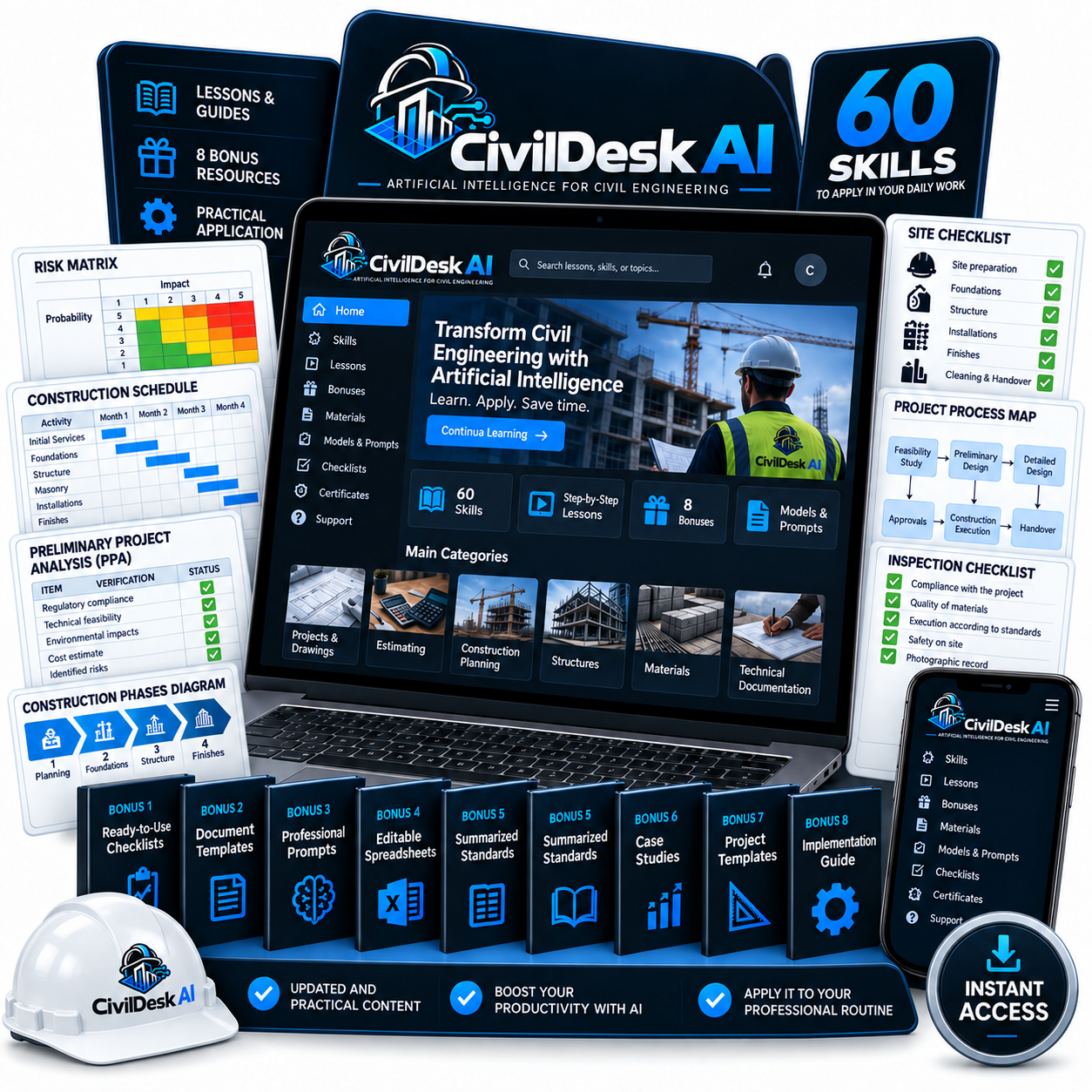
Use 50 ready-to-use skills and 1,300 prompts to help prepare estimates, schedules, technical reports and project documentation.
Bring your project data, design criteria and reference documents. Follow the workflow and get a structured first draft to review, refine and develop.
Use the toolkit with Claude or OpenAI Codex.
One-time payment · Instant digital access · 7-day money-back guarantee
- Cost estimates
- Technical reports
- Project schedules
- Design narratives
- Daily site reports
- Quantity breakdowns
- Specifications
- Tender documents
- Project coordination
- Client proposals
The routine of the people who run the work
The site visit is over. The paperwork is still waiting.
The next project brings another set of files, another format and another blank page.
Preparing that first version takes time you also need for analysis, coordination and engineering decisions.
CivilDesk AI helps you organize the information and prepare a first version of your deliverables, so you can spend your attention on review and decisions.
The limit of a broad request
You can ask AI for help. You still have to explain the task.
A broad request often leaves you with a broad answer.
You need to explain the context, identify the inputs, set out the method and describe what a useful result should look like.
CivilDesk AI gives you task-specific instructions to start from. Choose the workflow, supply your project information and work through a repeatable process.
Meet CivilDesk AI
The instructions are ready. You bring the engineering context.
Each skill is a reusable set of instructions for a civil engineering task. It defines the information to request, a working method and a useful output structure.
Use it to organize calculation inputs, prepare a document outline, structure an estimate or turn project records into a clear draft.
You check the assumptions, references and results before deciding what belongs in the project.
Project context
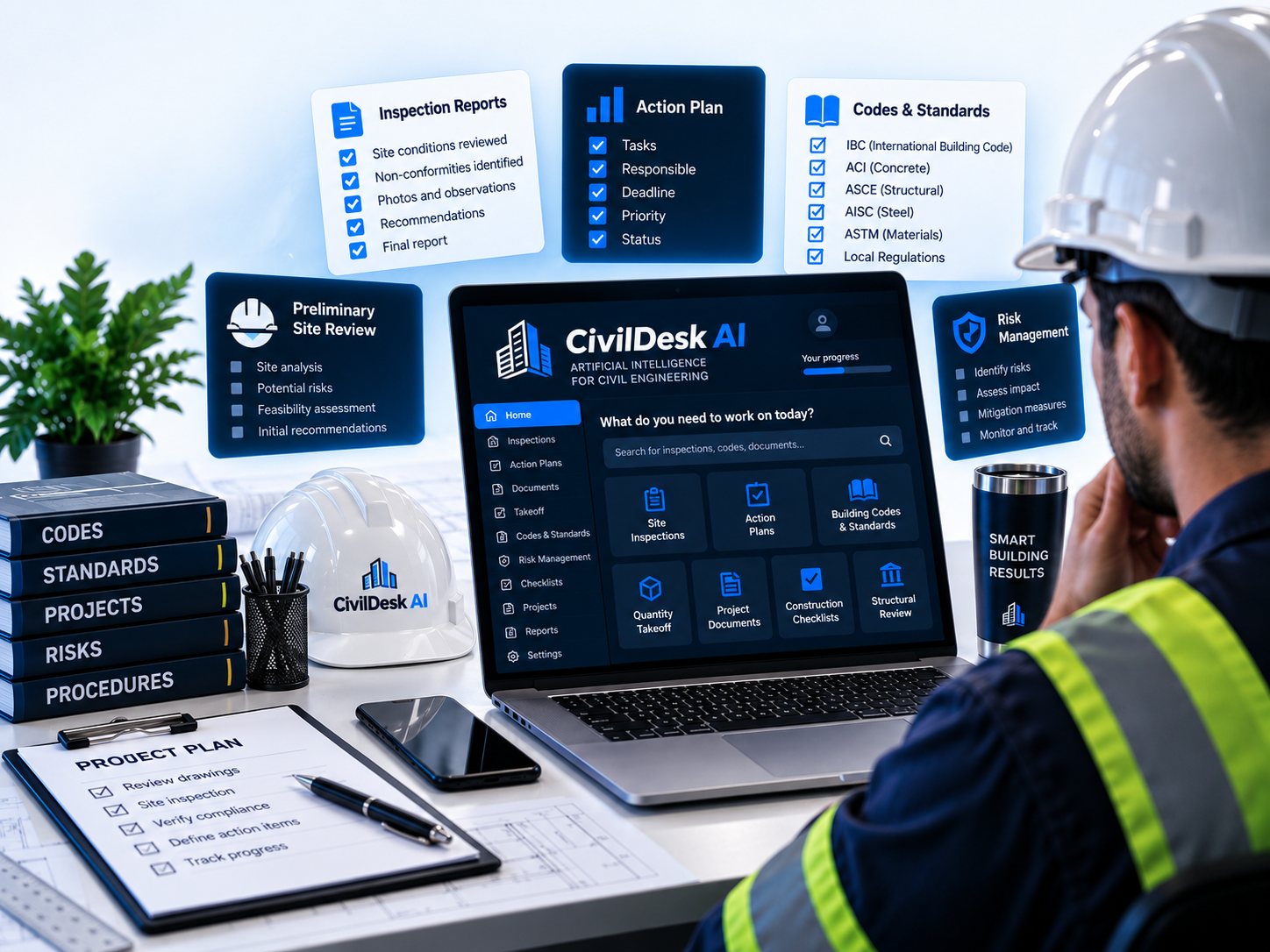
Built around your project context
Projects use different units, cost data, document formats and technical requirements. The toolkit lets you supply those details instead of starting from a fixed national template.
A general task
For a general task, such as a client update or a meeting summary, provide the facts and the format you need.
Work that depends on codes
For work that depends on codes or standards, provide the applicable references, editions and project criteria. The workflow uses that material and identifies information that still needs checking.
A missing input
When an essential input is missing, it helps prepare the work structure and the questions to resolve.
The full package
50 skills for the work on your desk
All 50 skills are included, organized into four categories.
Swipe or tap the arrow — it advances on its own every few seconds.
Prompt library
1,300 prompts for the requests between the bigger tasks
Need to write a client update, summarize a meeting or prepare an inspection checklist?
Choose a prompt, add the relevant information and ask for the format you need.
Technical review brief
Organize the question, available data, assumptions and points requiring analysis.
A difficult client email
Explain a delay, payment issue or scope change using the facts you provide.
Meeting minutes
Turn a supplied transcript into decisions, actions, owners and outstanding questions.
A technical response
Structure your reasoning and identify the statements that need supporting evidence.
An inspection checklist
Prepare a starting list based on the inspection scope and criteria you specify.
A proposal comparison
Compare supplied scopes, exclusions, assumptions and commercial terms.
The library also covers supplier communication, team coordination, project summaries, document review and engineering proposals.
Illustrative workflows
See the kind of work you can prepare
These are illustrative workflows, not customer results or guaranteed outcomes.
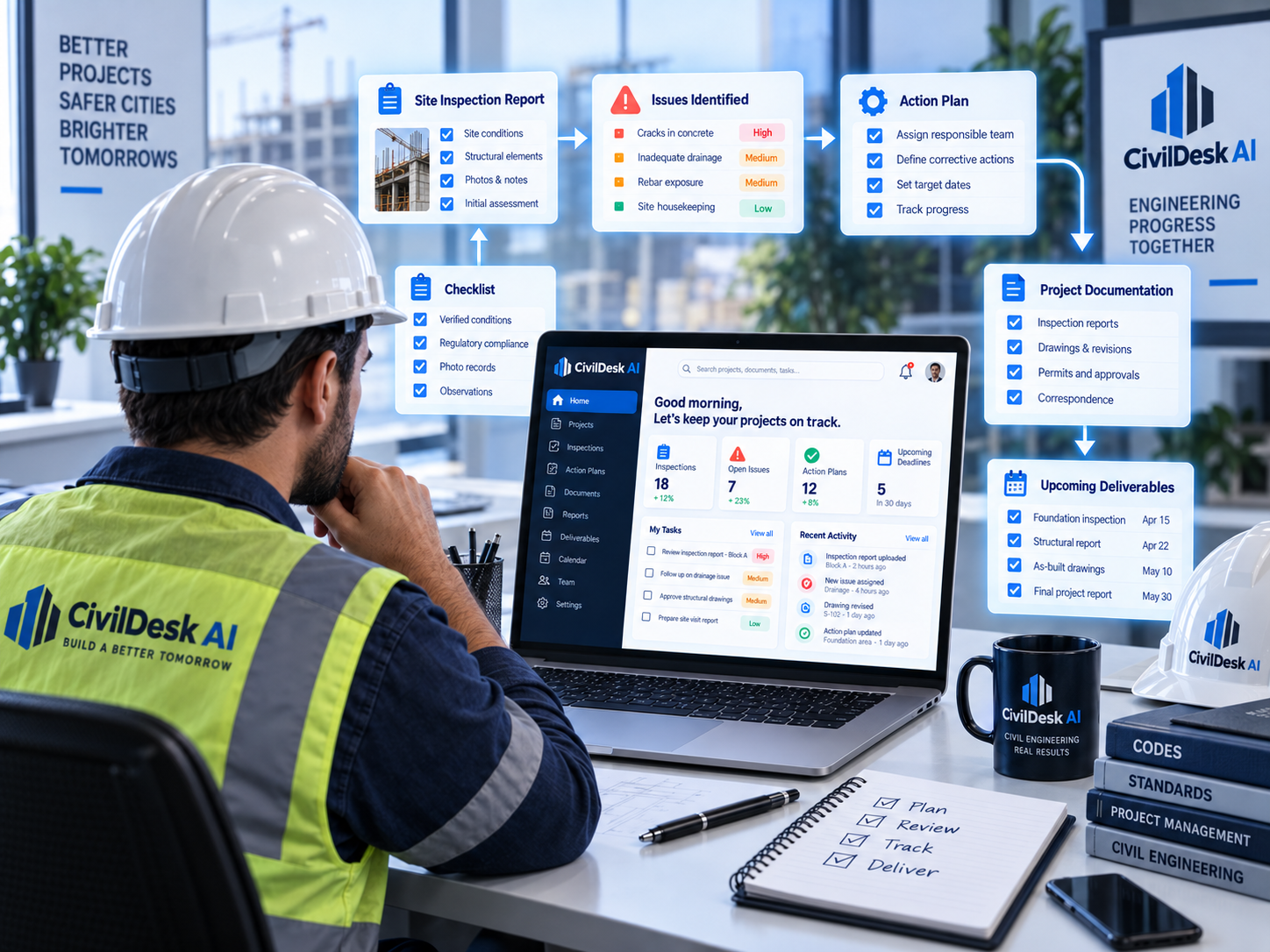
Field notes → daily site report
Provide the date, activities, resources, observations and outstanding items. Prepare a draft organized for review and circulation.
Quantities and supplied rates → estimate structure
Provide your quantities, cost data and commercial assumptions. Organize the estimate into a clear breakdown, with missing inputs identified.
Project documents → requirements review
Provide the reference material and scope of the review. Prepare a matrix linking requirements to available evidence and questions for the team.
Scope notes → engineering proposal
Provide the agreed scope, deliverables, exclusions and terms. Prepare a proposal draft that reflects those details.
How it works in practice
Choose a skill and follow the setup guide
- 1
Open Claude or OpenAI Codex
Use an account with the features required by the setup guide. Any separate platform subscription is not included in this purchase.
- 2
Configure your chosen skill
Follow the illustrated guide and lessons to set up the workflow you need.
- 3
Add the project information
Supply the task, inputs and relevant references. Review the draft, resolve missing information and adapt it to the project.
You lead the work. The toolkit helps you prepare it.
Bonuses
Three bonuses included
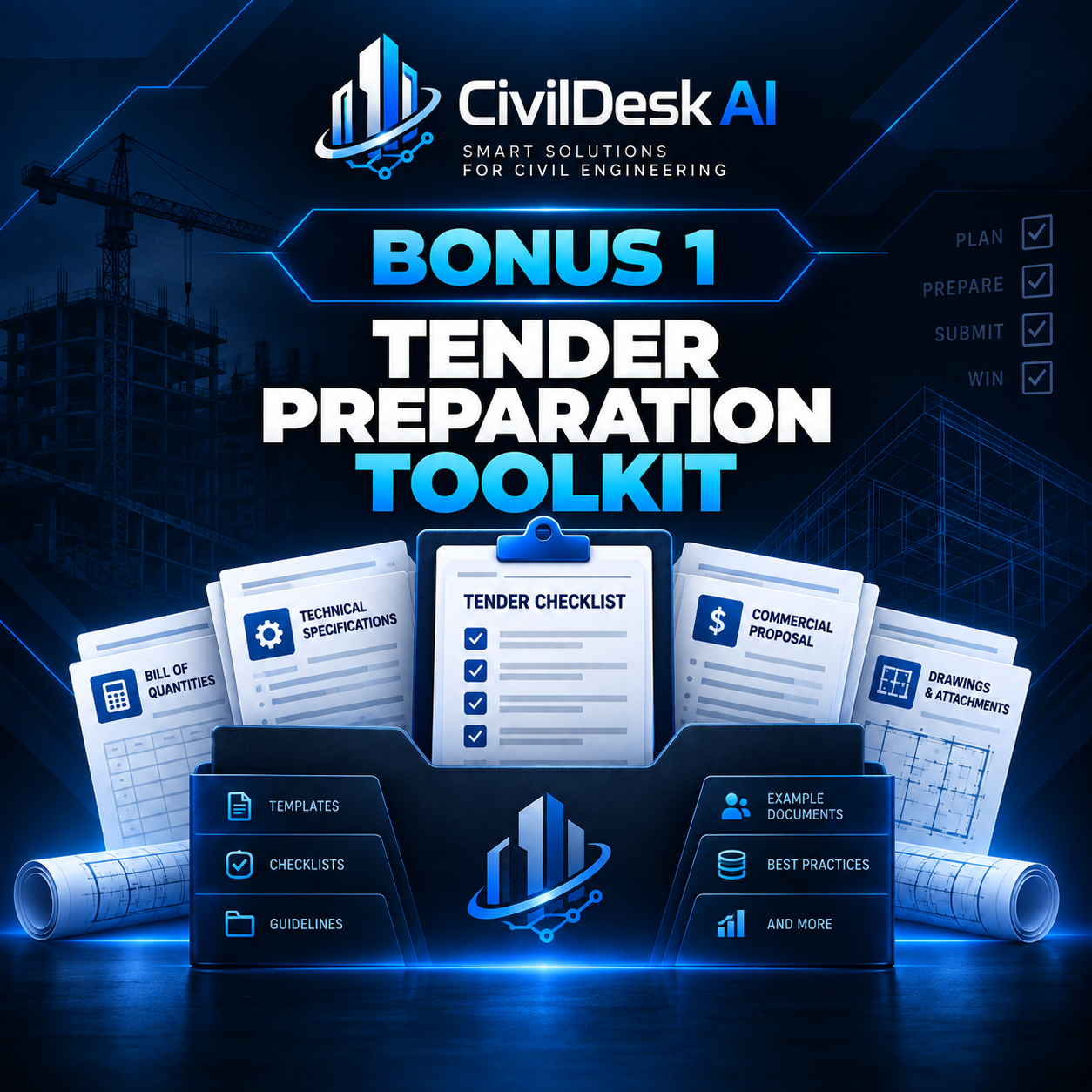
Bonus 1
Tender Preparation Toolkit
Templates for organizing tender requirements, submission deadlines, questions and bid documents.
Use them alongside the Tender Review & Bid Preparation skill.
Bonus included
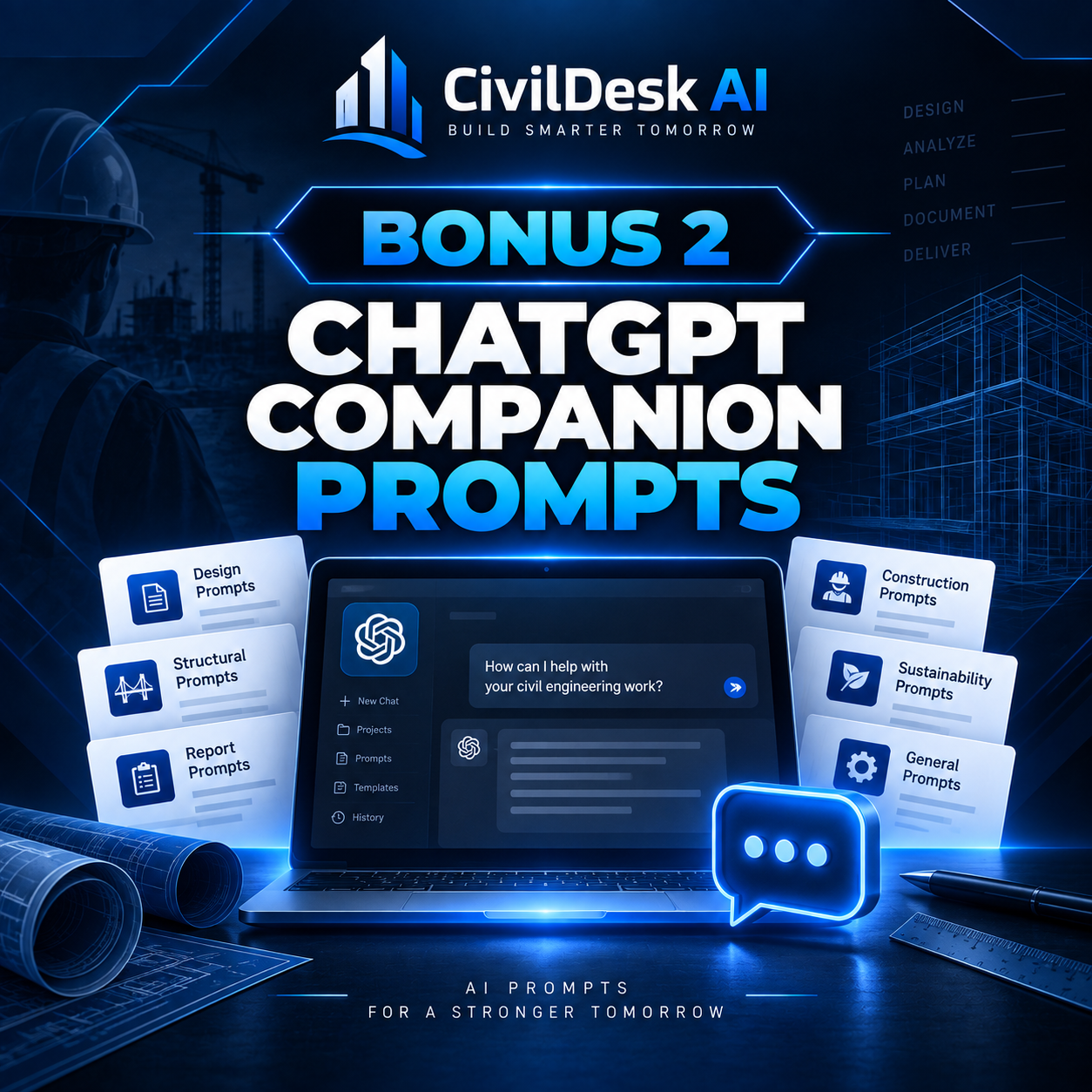
Bonus 2
ChatGPT Companion Prompts
Adapted instructions for selected workflows, giving you a complementary option when you also use ChatGPT.
Platform capabilities and account requirements may differ.
Bonus included
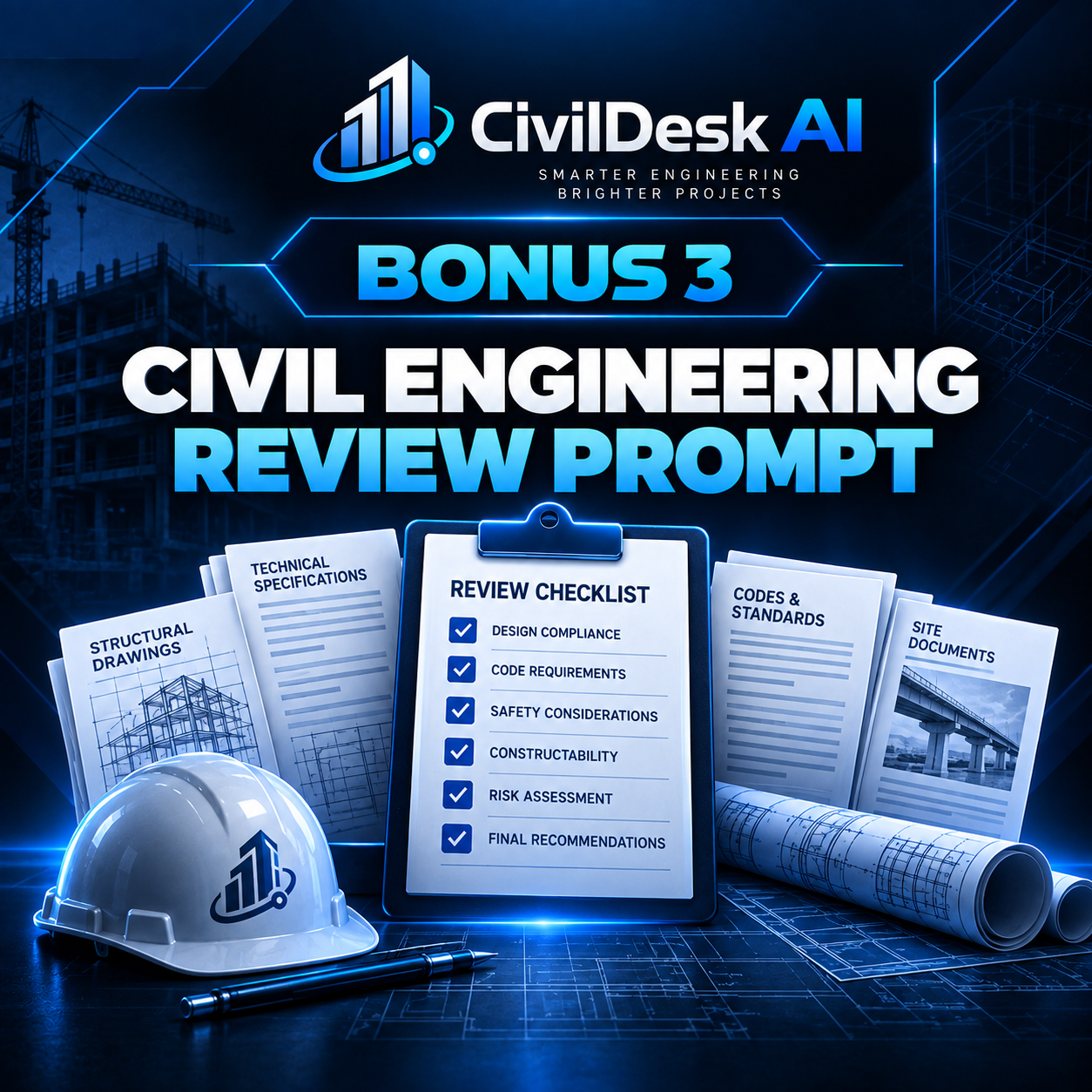
Bonus 3
Civil Engineering Review Prompt
A reusable prompt for turning a complex request into a structured brief: objective, project context, known inputs, assumptions, references and questions that need resolution.
Use it before any workflow when the request arrives vague.
Bonus included
All three bonuses are included in the US$17 package.
Practical lessons and an illustrated setup guide
Start Here
Access your materials and prepare for your first task.
Set Up Your Skills
Follow the configuration process step by step.
Use the Toolkit in Your Workflow
Provide better inputs, manage project context and review the results.
The package also includes a reusable project context sheet for recording units, references, project criteria and output preferences.
Start your next task with a working structure.
50 skills, 1,300 prompts, three bonuses, practical lessons and the setup guide.
Offer
CivilDesk AI
AI Skills for Civil Engineers
CivilDesk AI — complete toolkit
- All 50 civil engineering skills
- The library of 1,300 prompts
- Illustrated setup guide
- Three practical lessons
- Reusable project context sheet
- Tender Preparation Toolkit
- ChatGPT Companion Prompts
- Civil Engineering Review Prompt
One-time payment
US$17
GET THE COMPLETE TOOLKITAccess to Claude or OpenAI Codex with the required features is needed. Any platform subscriptions or usage fees are separate and are not included in this package.
Guarantee
Try the package for 7 days
Access the materials and use them on a task from your own workflow.
If the package is not right for you, request a refund through the support channel provided with your purchase within seven days of purchase. We will refund the amount paid for the package.
Your statutory consumer rights are unaffected.
Professional responsibility
You lead the engineering. The toolkit helps prepare the work.
Use the skills to organize information, document calculations and prepare drafts.
Check the inputs, references and results. Apply the requirements of your project and decide what can be used.
The package supports professional work. It does not replace engineering judgment, required professional authorization or independent technical review.
Questions before you start
Frequently asked questions
CivilDesk AI
Your next report does not have to start with an empty document.
Choose a task. Add your project information. Start with instructions prepared for civil engineering work.
50 skills · 1,300 prompts · Three bonuses · Lessons and setup guide